
Send every lead to the right agent, builder, or owner with simple routing rules.
Who it's for
Developers with multiple builders, plus teams and brokerages that need leads to reach the right person fast.
How it helps
Routing removes the delay between a scan and a follow-up by assigning each lead the moment it is captured.
How to set it up
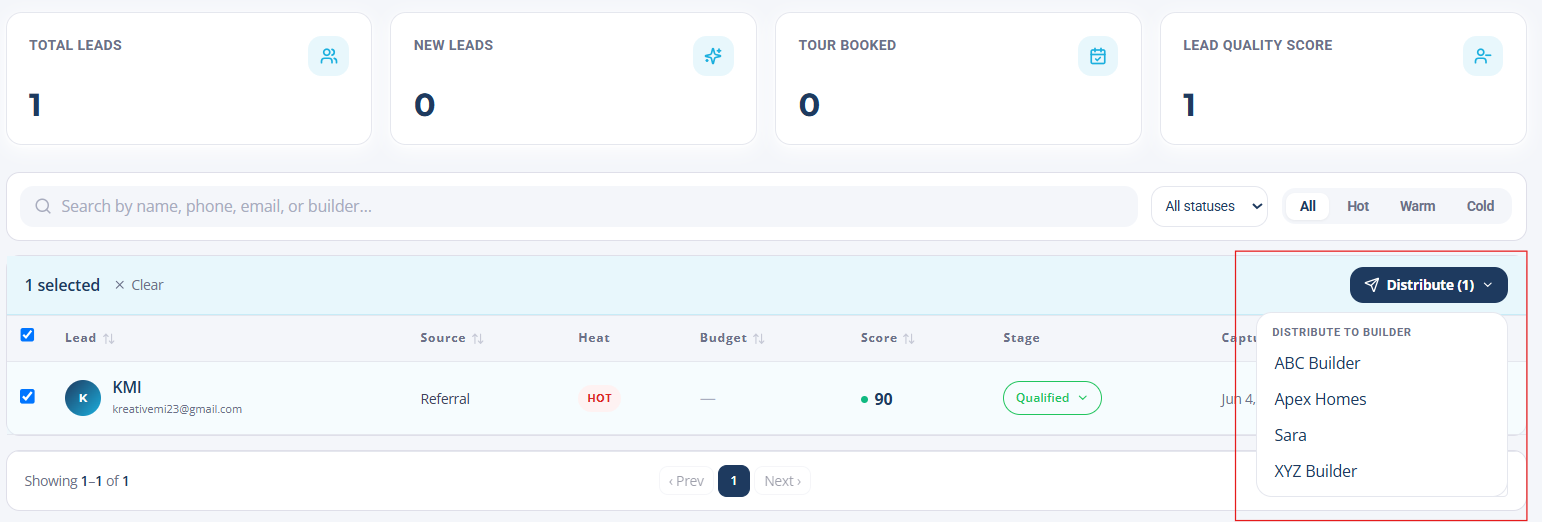
- 1Open Routing and create a rule.
- 2Choose how leads are matched: by property, lot, team, or territory.
- 3Assign the agent, builder, or owner who should receive matching leads.
- 4Add a fallback so every lead always has an owner.
How to use it
- 1New leads are assigned instantly based on your rules.
- 2Assigned owners get an SMS and email alert with full context.
- 3Adjust rules anytime as your team or inventory changes.