
See how buyers are captured automatically and how to work them through your pipeline.
Who it's for
Sales teams and agents who want every inquiry organized without manual data entry.
How it helps
Every scan and inquiry becomes a lead with the buyer details, the property, and a timestamp, all saved automatically.
How to set it up
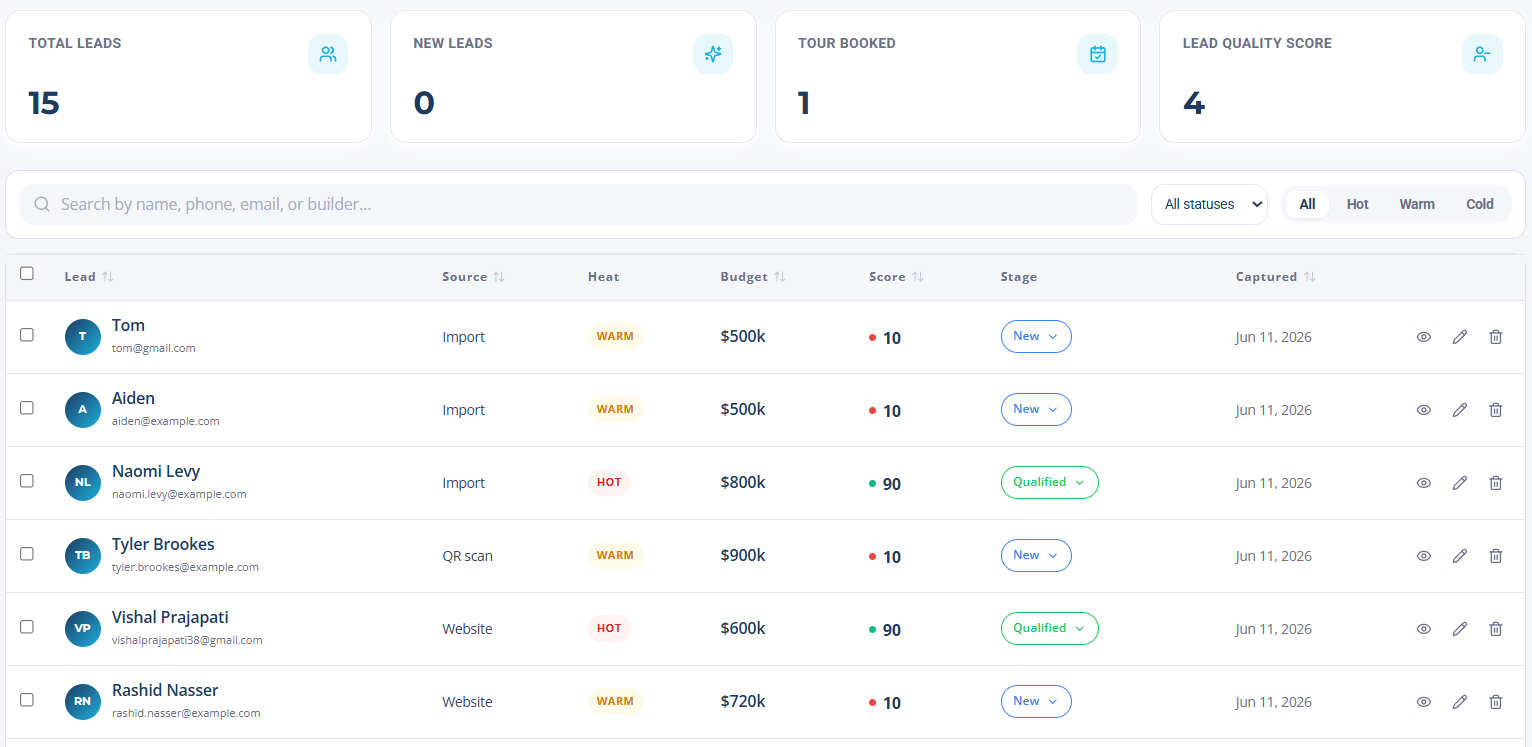
- 1Open Leads to view your pipeline.
- 2Set the statuses your team uses, such as New, Contacted, and Toured.
- 3Decide who owns follow-up for each property or team.
How to use it
- 1Review new leads as they arrive.
- 2Add notes and update the status as you work each buyer.
- 3Export your leads to CSV whenever you need them elsewhere.