
Add teammates, control what they can see, and decide who receives leads.
Who it's for
Teams, brokerages, and developers who manage more than one user.
How it helps
Adding your team lets PropertyScan route leads to the right people and keeps everyone working from the same pipeline.
How to set it up
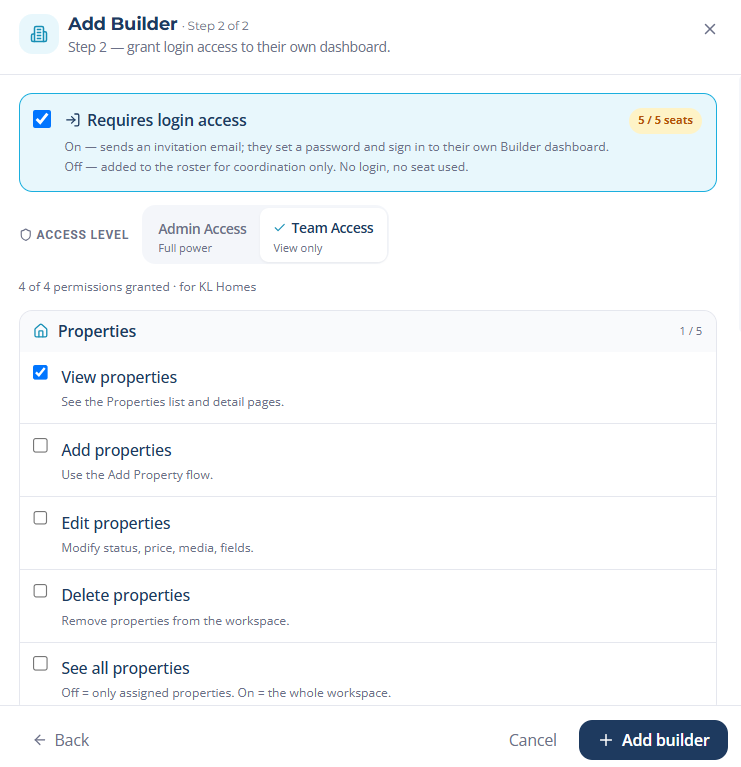
- 1Open Team and select Invite member.
- 2Enter their email and choose a role and permissions.
- 3Assign the properties or territories they are responsible for.
How to use it
- 1Team members receive their own login and dashboard.
- 2Leads route to the assigned person automatically.
- 3Add or remove seats anytime as your team changes.